

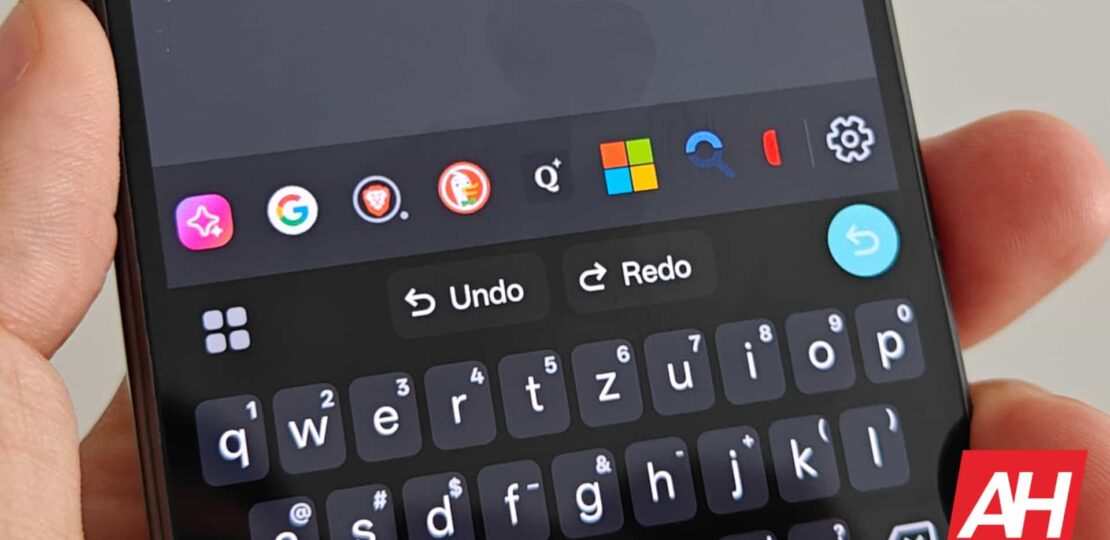
When you fill in a form in a browser, if you have saved your data, there is an option for you to automatically fill it up. This saves you a few minutes from having to enter your information all over again. Now, it looks like Gboard is getting a new Autofill feature with Google that offers similar convenience, according to a 9to5Google report.
Gboard for Android gets Autofill feature with Google
Now, it should be noted that Gboard already offers users some autofill-like capabilities, especially for passwords. However, this new Gboard Autofill feature with Google takes things further.
With this new feature, you have the option of automatically filling out passwords and payment information. One of the upsides to this feature is that you don’t have to wait. Typically for autofill, you might have to wait for a Gboard suggestion to pop up. But if it doesn’t, you’ll have to fill it in manually.
However, with this feature, you can pull it up straightaway. It’s a small quality of life update, but a welcome one nonetheless. It’s worth noting that for passwords, it only pulls up the relevant credentials. This means that it only shows users the password for the app they’re using. As for credit or debit cards, you will still need a security code.
That being said, this feature is currently only available in the latest Gboard beta (version 15.7.5.787916401). If you’re on the public and stable release, you won’t see it yet. Also, Google notes that this is a test. It is possible the company could can the feature ahead of the public release, but fingers crossed they won’t.
Improvements to the keyboard app
Gboard is just one of many keyboard apps available for Android. However, it is one of the more popular options. This is thanks to its tight integration with Google services. This makes it invaluable for those who rely heavily on Google products and services, like Workspace, Chrome, and more.
Google has been steadily making improvements to Gboard over the years. One potential upcoming update is an AI-powered “SmartEdit” feature. This harnesses the power of AI to make voice typing and editing more intuitive. Google hasn’t rolled out the feature yet, so we’ll have to wait and see when they do.
RELATED POSTS
View all


GTA VI isn’t likely to cost $100 because charging that “isn’t smart”
August 6, 2025 | by Admin


Google Pixel Phones Hit by Lock Screen Bugs Post Android 16 Install
July 7, 2025 | by Admin